SchemaGrove gives you a visual workspace for building, connecting, validating, and managing structured data in WordPress.
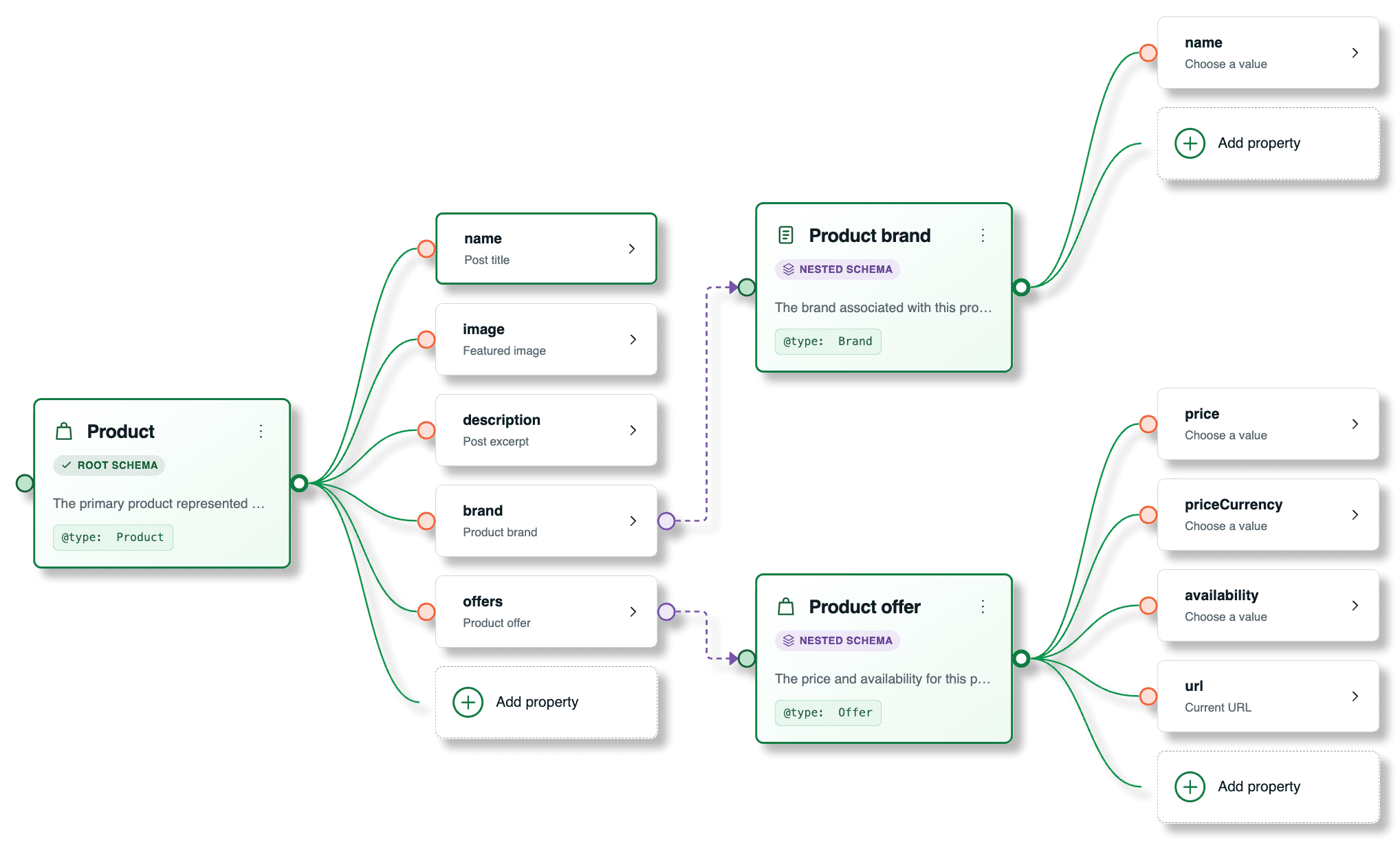
Connect values to page content, site details, canonical entities, and supported data providers.
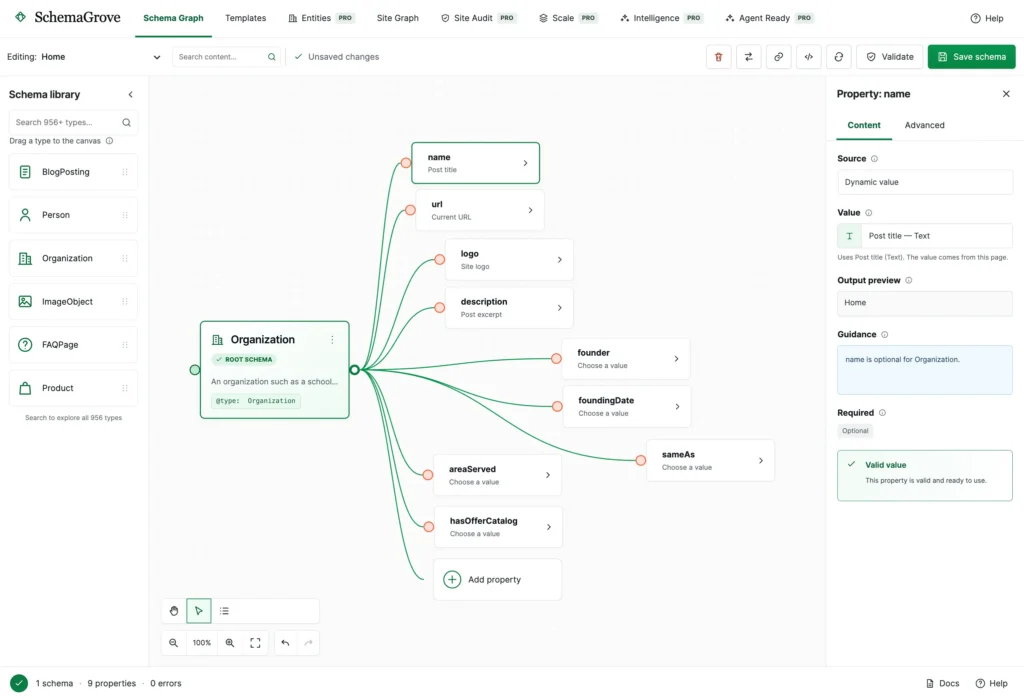
Validate your graph, review clear recommendations, and preview the structured data you will produce.



Connect values to page content, site details, canonical entities, and supported data providers.
Validate your graph, review clear recommendations, and preview the structured data you will produce.
Build structured data by adding entities, connecting properties, and choosing where values come from—while preserving the flexibility sophisticated implementations need.

Drag, position, and connect schema entities visually.
Build nested, repeated, and referenced structures.
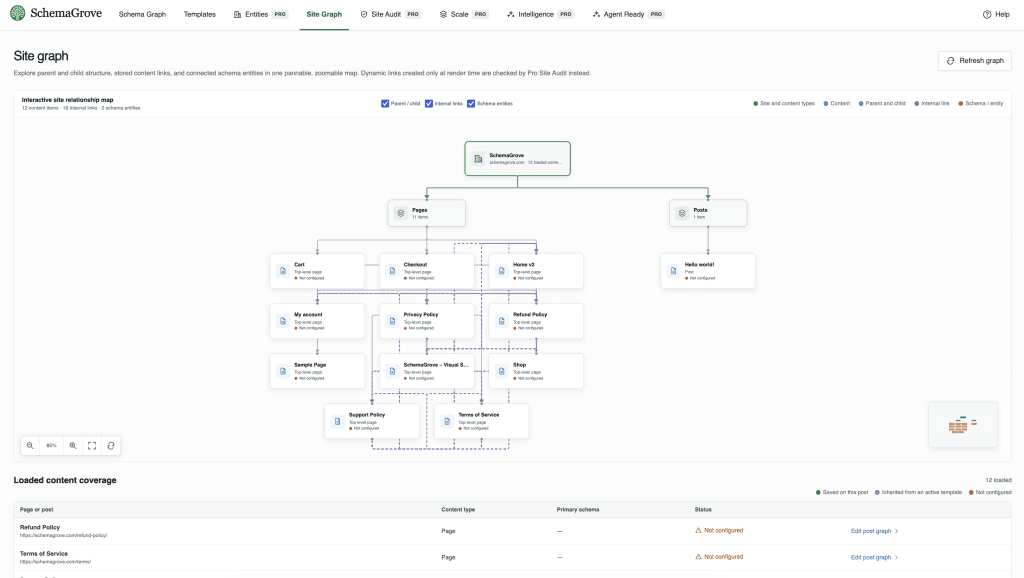
The Site Graph turns your WordPress hierarchy, internal relationships, schema coverage, and connected entities into an interactive map. Move from isolated snippets to a connected information system.
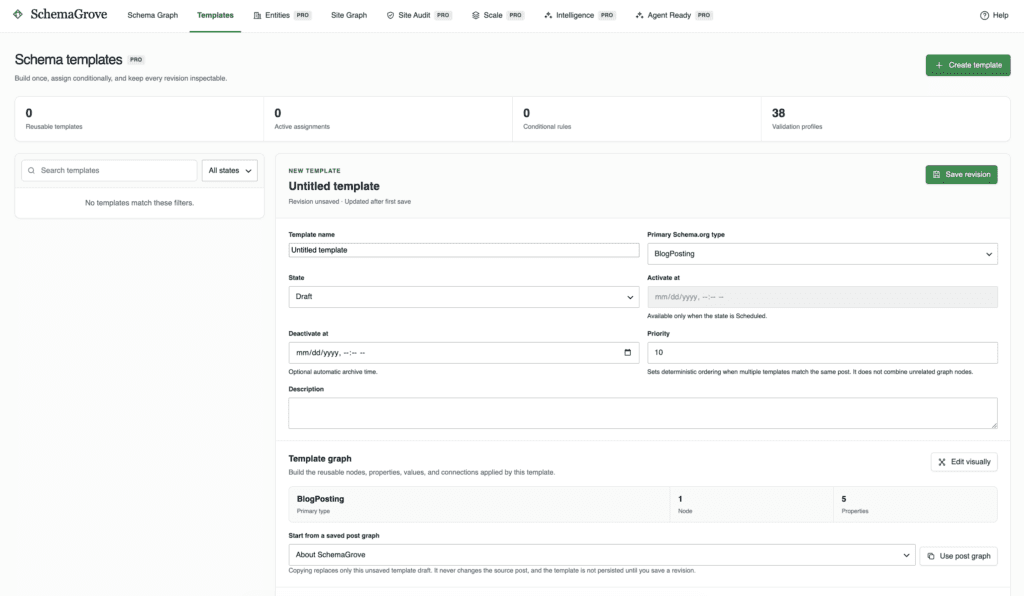
Target reusable graphs by content, author, taxonomy, URL, language, or field conditions.
Manage people, organizations, brands, places, and identities once.
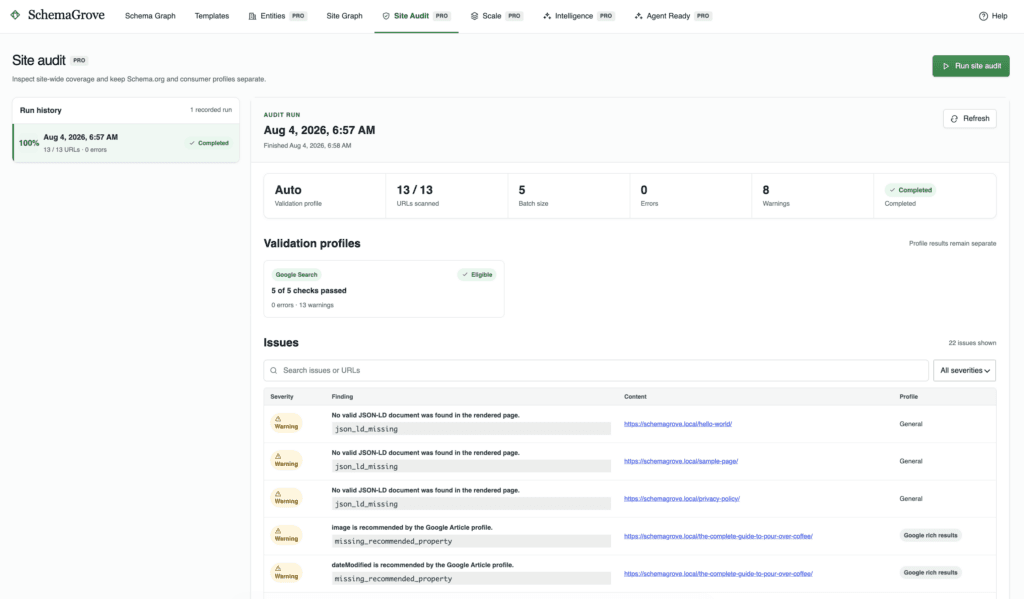
Scan rendered markup, find collisions, and review coverage in resumable runs.
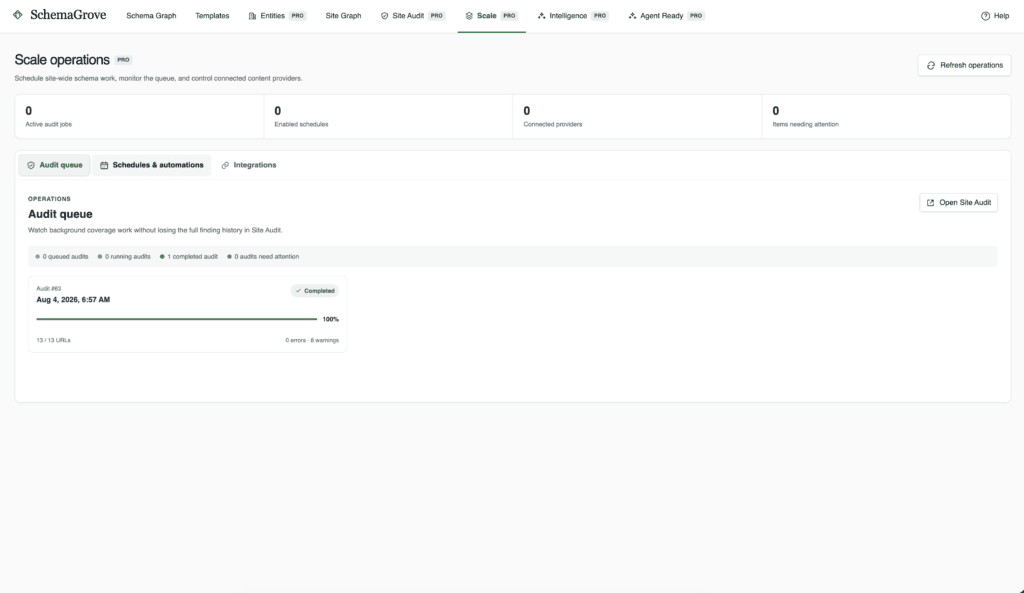
Schedule audits, monitor background work, and manage activation windows.
Use controlled values from WooCommerce, ACF, Pods, and Meta Box.
Guided blueprints for publishing, local, commerce, events, courses, jobs, and recipes.
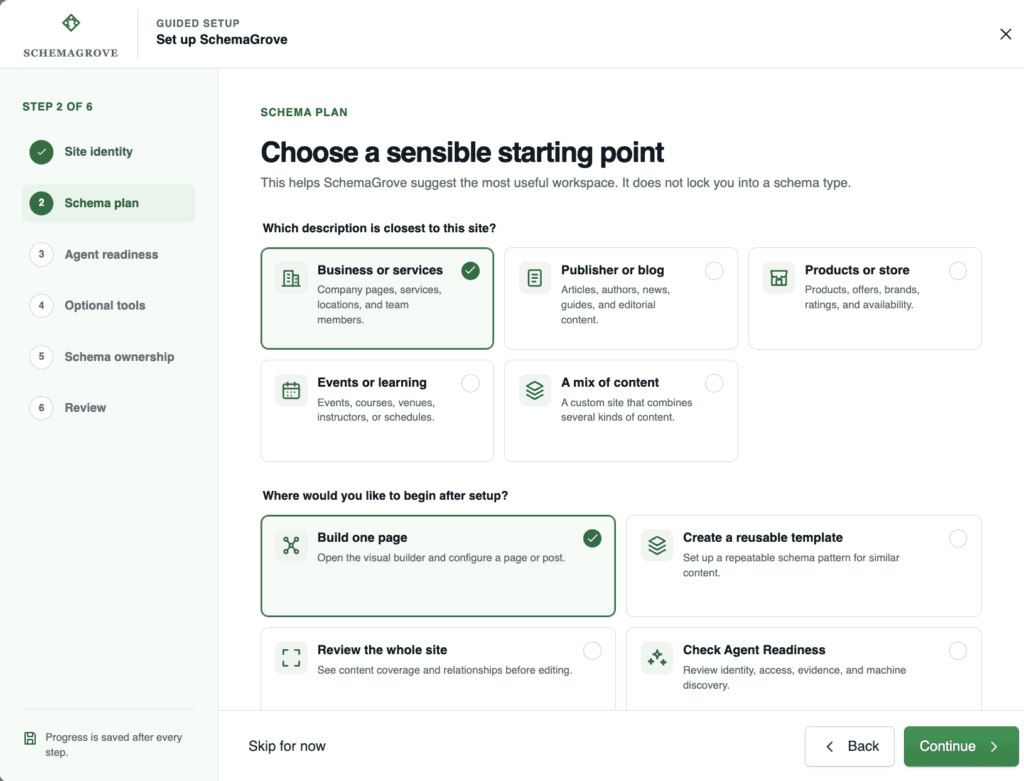
Choose a clear ownership strategy. SchemaGrove never silently rewrites another plugin’s stored settings.


Continue using SchemaGrove for building, validation, and planning while your existing SEO plugin publishes the schema.
SchemaGrove takes ownership only where a valid graph is configured. Other pages retain the provider’s normal output.
Keep SchemaGrove output paused while you review the site, scan for collisions, and choose the right ownership model.
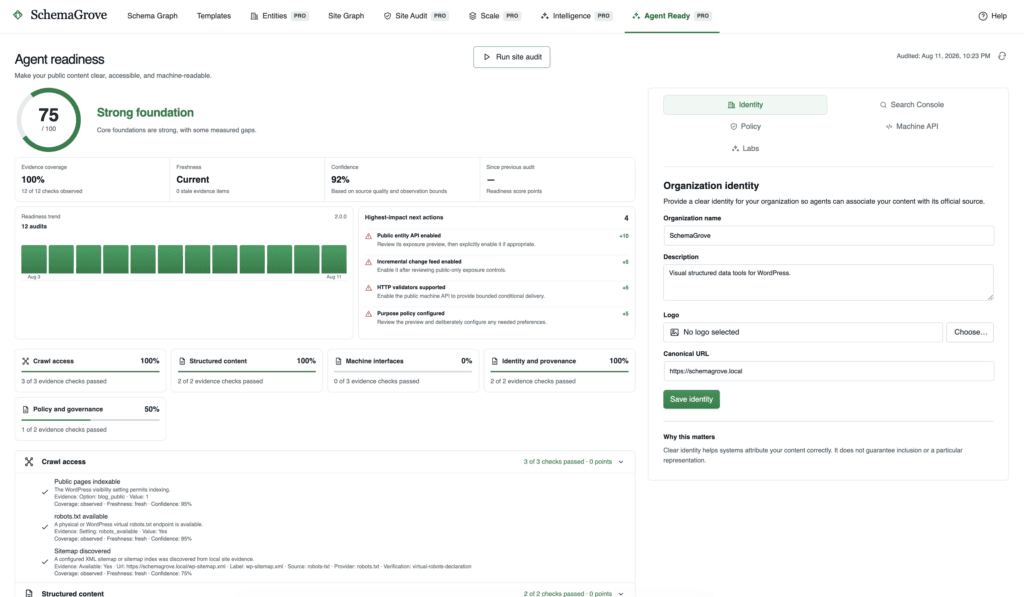
Evidence-based readiness scoring and remediation
Stable identity through canonical entities
Reviewable crawler and content-use policies
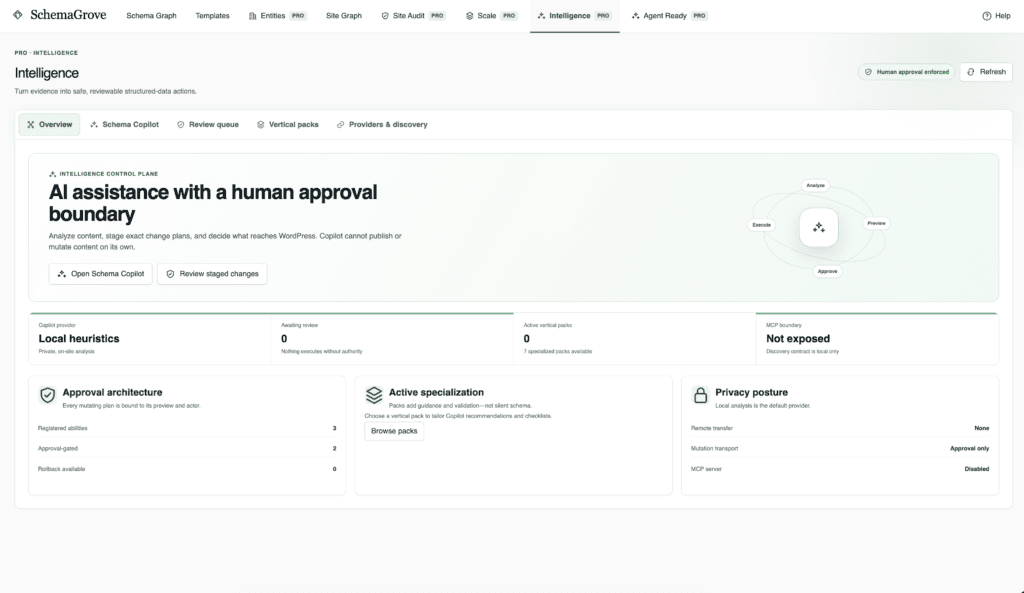
Schema Copilot can propose structured-data improvements using a deterministic local provider or an optional OpenAI connection. Recommendations remain proposals until an authorized person approves them.
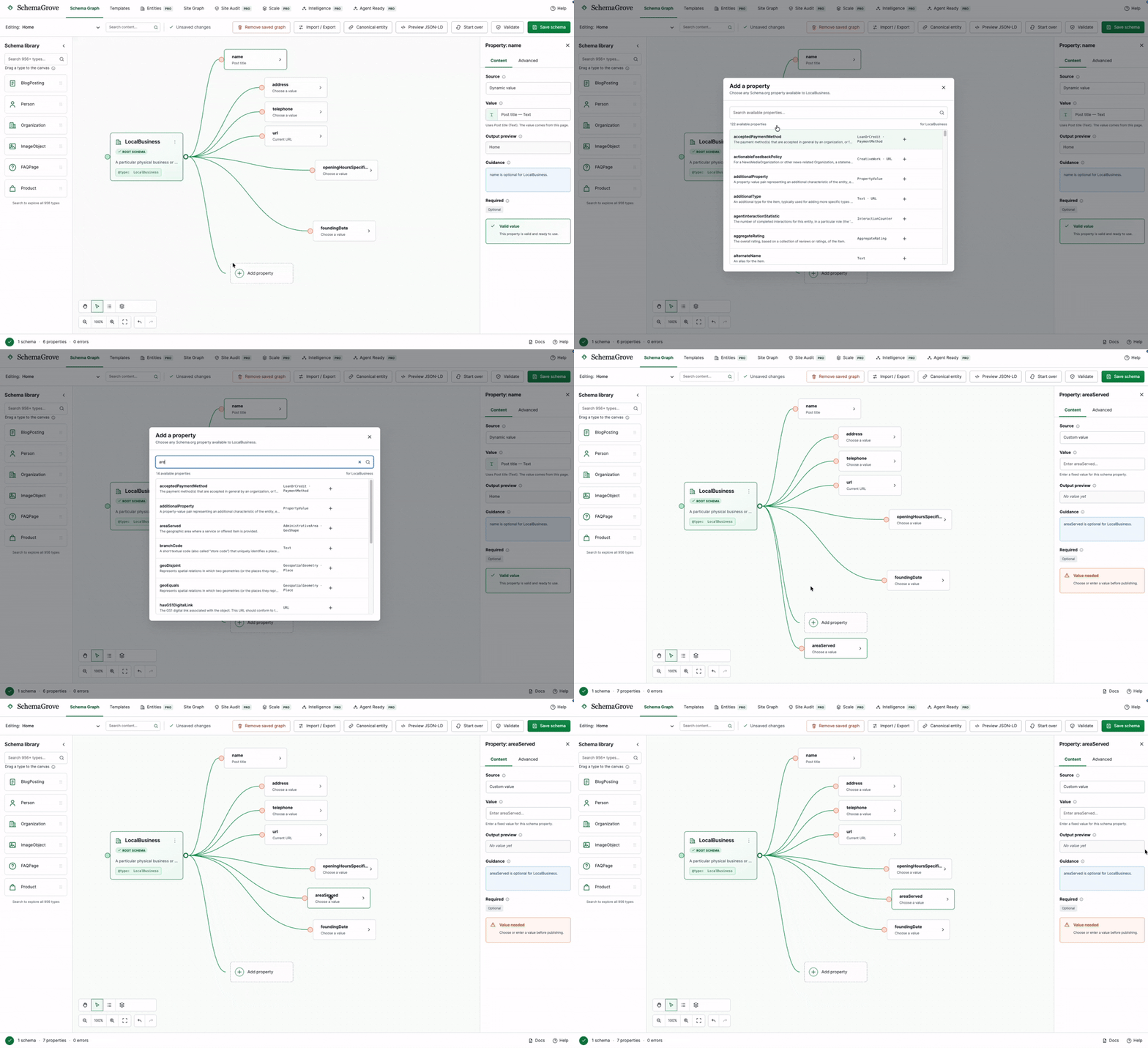
A visual path from real WordPress content to clean, validated, published schema.
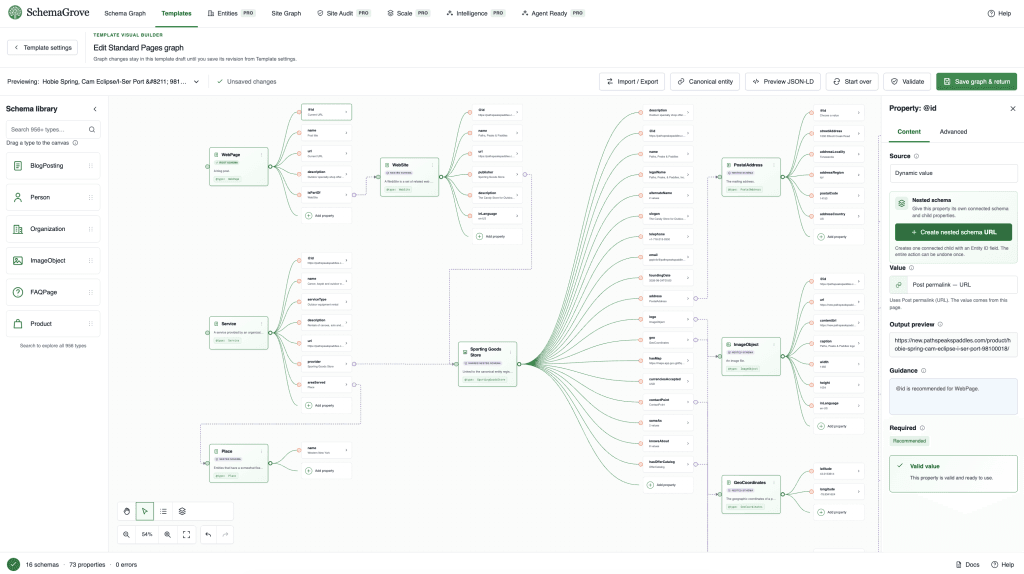
Choose values, link reusable entities, resolve recommendations, and preview JSON-LD.




Schema Copilot can propose structured-data improvements using a deterministic local provider or an optional OpenAI connection. Recommendations remain proposals until an authorized person approves them.
No silent changes to another SEO plugin’s settings.
No automatic publishing from Copilot or vertical packs.
No external AI request without configuration and consent.
No public Machine API until you enable it.
Reversible schema ownership and policy controls.
Pro deactivation does not delete saved work.
It does not have to. SchemaGrove can leave your SEO plugin in charge, integrate where a safe contract exists, or take over schema only for configured content.
It does not have to. SchemaGrove can leave your SEO plugin in charge, integrate where a safe contract exists, or take over schema only for configured content.
SchemaGrove detects common schema producers and uses fail-safe ownership rules to avoid known overlaps. Pro also adds rendered scanning and collision detection. Unknown theme or third-party output should still be reviewed through Site Audit.
Yes. Products can be included in the visual builder, templates, audits, and Site Graph. Pro also coordinates supported WooCommerce schema output and exposes WooCommerce values through controlled bindings.
Lite includes the complete visual graph-building experience, validation, preview, per-content publishing, Site Graph, starter flows, import and export, and schema-ownership guidance.
No. SchemaGrove improves machine-readable structure, identity, policies, and access, but no tool can guarantee that a search engine or AI system will crawl, index, rank, ingest, or cite a website.
Lite-compatible per-content graphs continue to work. Pro templates, integrations, automation, and Pro-only interfaces stop running, while retained data remains available if Pro is reactivated.
Core schema building and validation are local. Google Search Console and optional OpenAI Copilot connections require explicit administrator setup and actions. Nothing is sent simply by viewing a SchemaGrove page.